Finetuning

Freesound audio by onderwish – Emergency Siren

For this game, I made all the art myself. I spend all day yesterday drawing and today implementing everything. I also added audio and lighting! The first and third level are completely finished now!

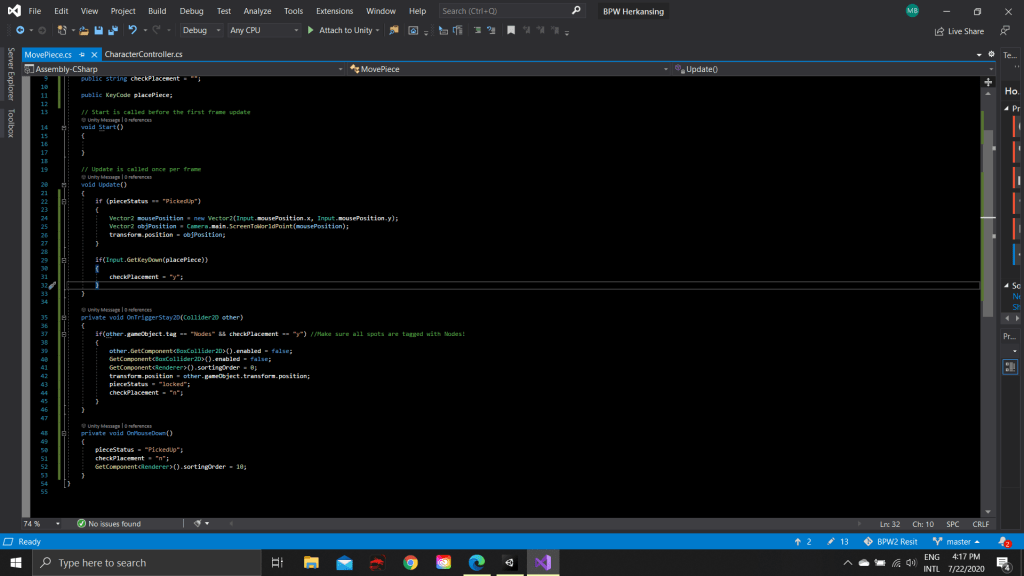
I also asked a dev friend to help with some bug fixes. The puzzle mechanic that was previously working, stopped working when I added my own sprites. Luckily, my friend was able to help me solve the problem!

Puzzle check!

I finished the first part of my puzzle mechanic! There’ll be Jigsaw-like puzzles, but with a twist of laser beams that have to be aimed in the right direction. The player has to try get the right beams to hit the right connection to reboot the system and prevent a short circuit.

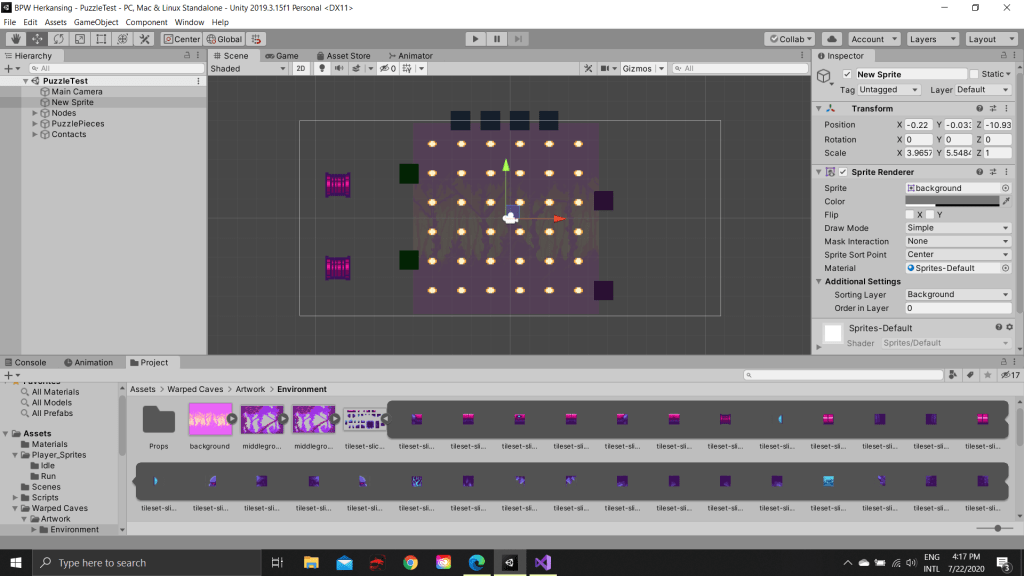
I’ve now managed to implement the Jigsaw mechanic, meaning the player is now able to grab puzzle pieces and drop them, after which they will snap to the nearest grid. I used the tutorial by Design and Deploy, called “How to make a Jigsaw puzzle game”. Next I’ll implement a ricochet effect to make sure the direction of the beam gets changed when it hits a puzzle piece!

I’m still using a temporary asset to make sure everything works before focusing on the visuals!

Vennlig

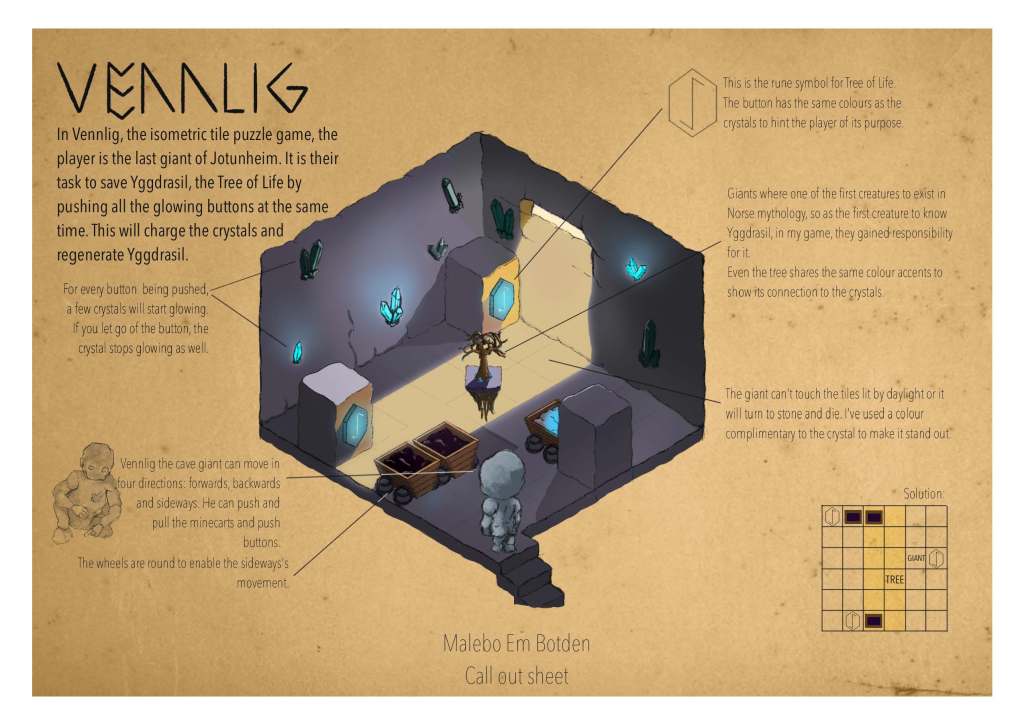
In my previous post I wrote about my concept for a puzzle game. Well, I’ve made a puzzle call out sheet!

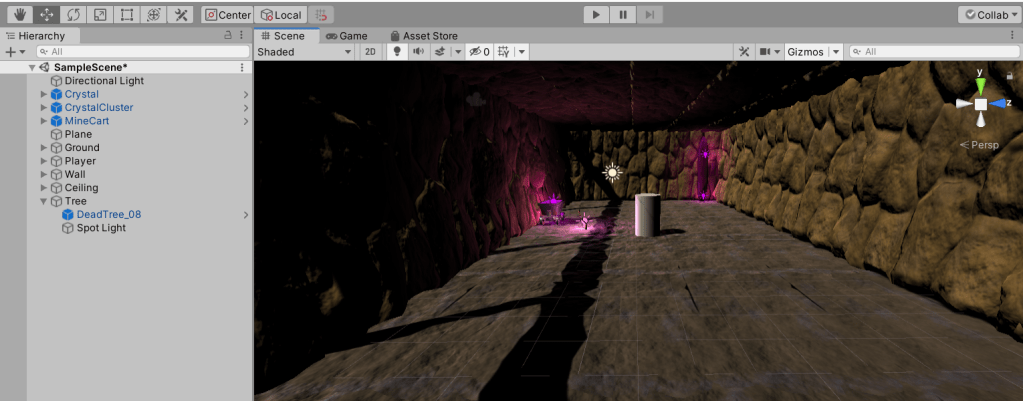
I’ve set up my Unity project (which took a while, since I just got a new laptop and had to set up my Sourcetree link as well) and created the scene.

I used an asset by Astire Games called “Purple crystal mine” so save time. I would love to create my own assets, but at the moment my focus should lay elsewhere!

I’ve fixed the first player movement as well, so now it’s time to start inserting the puzzle mechanics.

Building Playful Worlds… part 2

My second and last assignment for this class is to design and create a puzzle game. At first, I was really enthusiastic, but I’ve come to find it a real challenge! I tend to overthink everything and this didn’t help me when I was trying to find a theme. Some themes I’ve come across were:

  • A sponge trying to move water
  • A flame trying to get back to the fireplace
  • A ringleader trying to smuggle kids out of town
  • Just two kids trying to get out of town
  • One kid who has to do something on a train…

I’m sure each of these ideas would have been fine if I wasn’t stuck in a creative block. I decided to take a break for a few days and give it another try and today I managed to create an almost solid concept! I’ve combined this assignment with my assignment for art class. It’s inspired by Jotunheim from Norse mythology.

A gentle giant (the player), living in the caves of a mountain, finds a tree. The tree is dying because there is no daylight. The goal of the game is to let daylight into the cage, but you have to be careful because the giant can’t be touched by the sunlight or it will turn to stone.

You will have to use crystals (mirrors), pressure plates and mine carts to solve the puzzles!
BirdSnatch Concept

Goal: Catch all the (escaped) birds!

Actions:

  • Sneak
  • Sprint
  • Slingshot
  • Walk around
  • Jump

Choices:

  • Are you going to sneak so that you won’t scare the bird away? Careful it won’t see you!
  • Are you going to spring to catch the bird of guard surprise? If you’re too early it might fly away!
  • Are you going to use the slingshot to try and knock it out? If you miss, you’ll scare it off!
  • The more birds you’ve caught, the heavier the bag/cage gets. You’ll move around slower.

Where/When: In a park, during day time.

Obstacles:

  • You can scare the birds off if you make too much noise or get to close.
  • If they’re in trees or someone hight where you can’t reach them, you’ll need to shoot them out of the tree or hit the tree to scare them.

Other highlights: Annoying dogs and cats.

It’s not a bug, It’s a feature

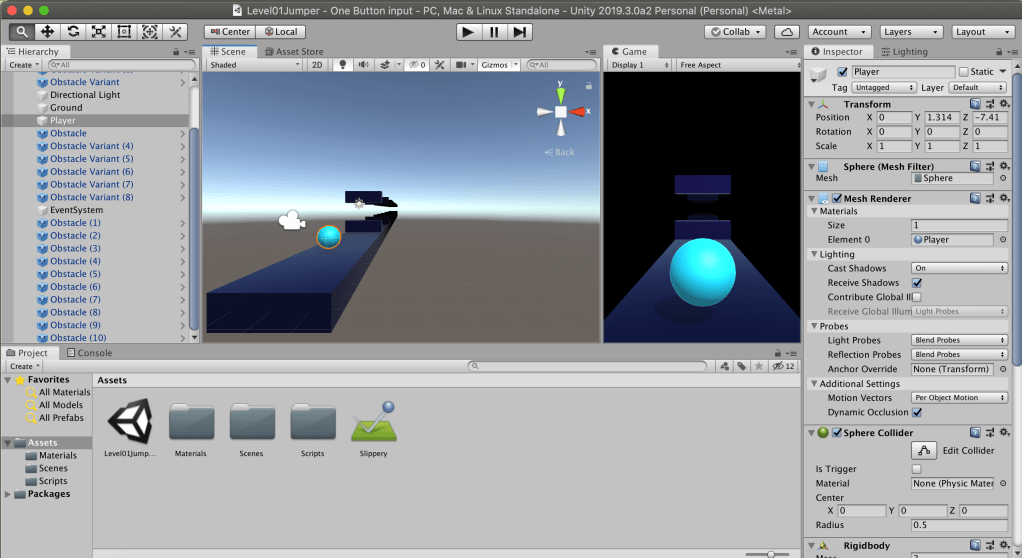
This week I created a quick prototype for a one button game. I wanted to create a 3D flappy bird-like game. I decided to use last week’s Breckey’s tutorial and try to experiment for this version. It went pretty well! You have probably already seen the picture below and read the title, but bear with me! I was able to change the code to jumping without the help of another tutorial and there’s an improvement in the aesthetics as well. Now, as can be seen in the picture below I struggled with… whatever you call this. Every time I triet to test run my game in Unity this would happen. I think it might have something to do with the RAM of my Macbook. When I hit build and run, the game suddendly worked perfectly fine, so as far as I know, it wasn’t actually anything I did…

I can’t lie, It looked mesmerizing…
This week’s chaos…

Let’s go for a walk!

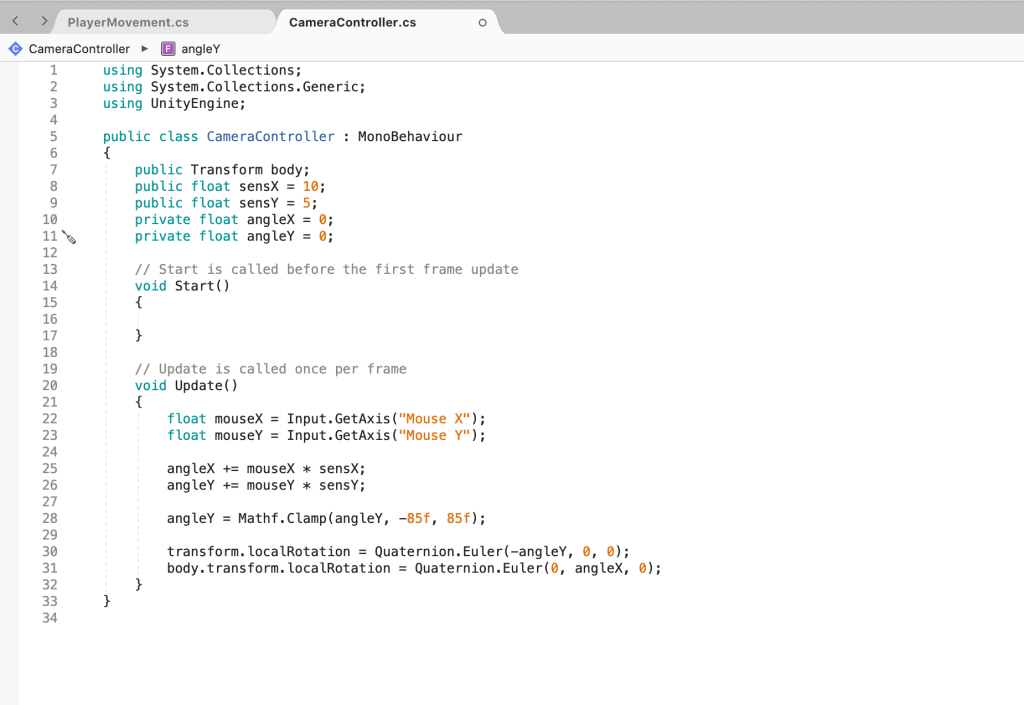
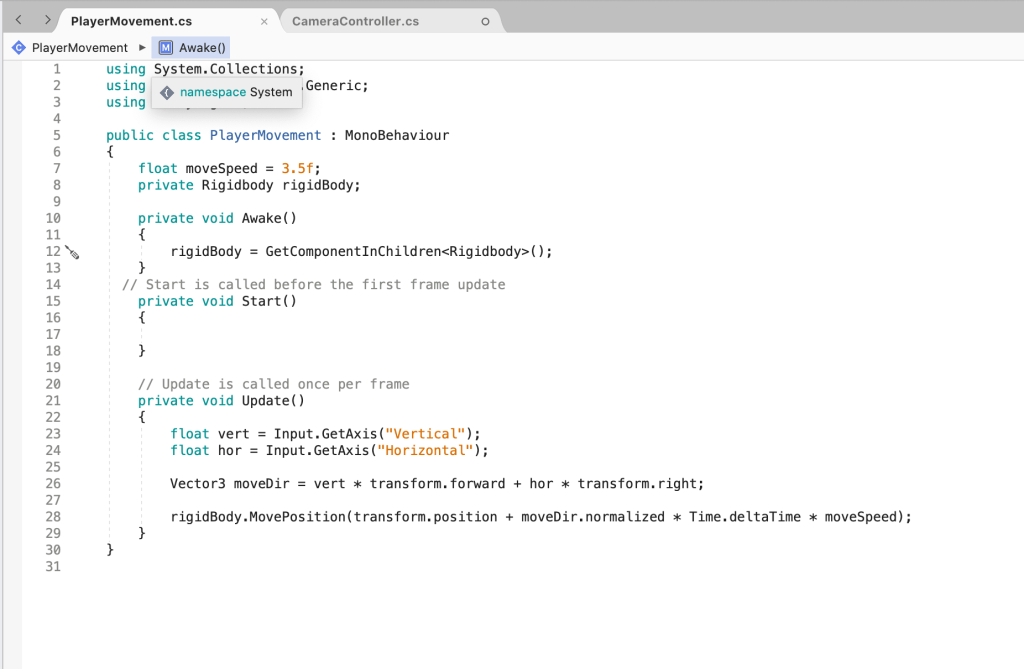
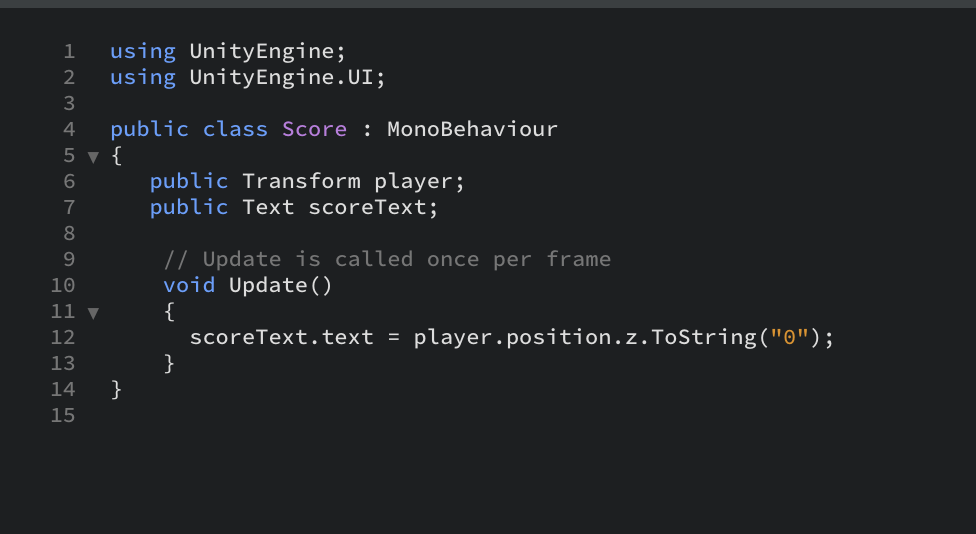
Yesterday, I folloYesterday, I followed Brackeys tutorials on how to make video games. In these tutorials, I learned (amongst other things) how to make my player move from left to right. Today in class, I learned how to make my player move forward and backwards too! Almost everything worked first try!

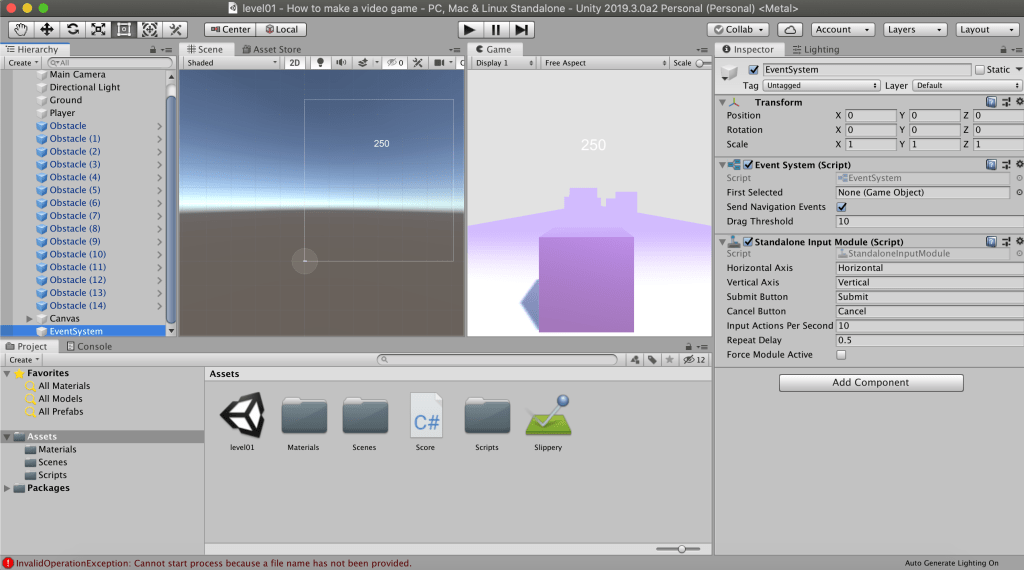
I did learn that some libraries from the Asset Store clash and had to delete one…